
 Video Live Wallpaper Maker
Made for Android
Your video.
Your kind of wallpaper.
Turn your own videos into live wallpapers on Android. Preview, crop, scale and position your video before applying it to your screen.

Offers in-app purchases. Feature availability is shown in the app.
FROM CLIP TO WALLPAPER
A personal touch, in motion.
Start with a video from your device. Choose the moment you want, adjust the framing, and see how it looks before setting your wallpaper.
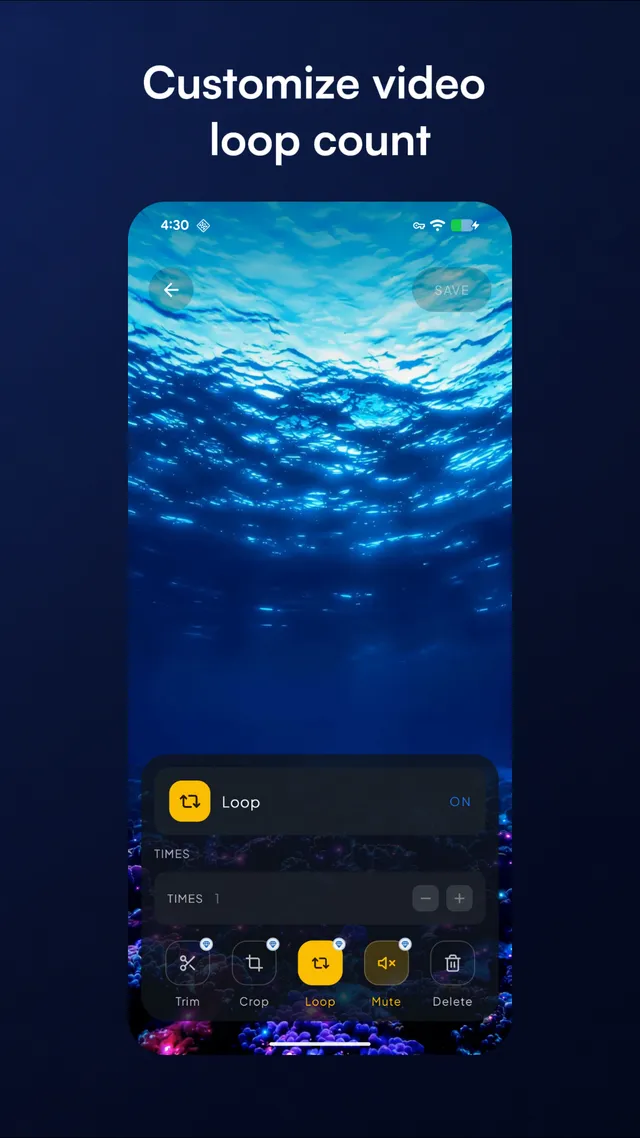
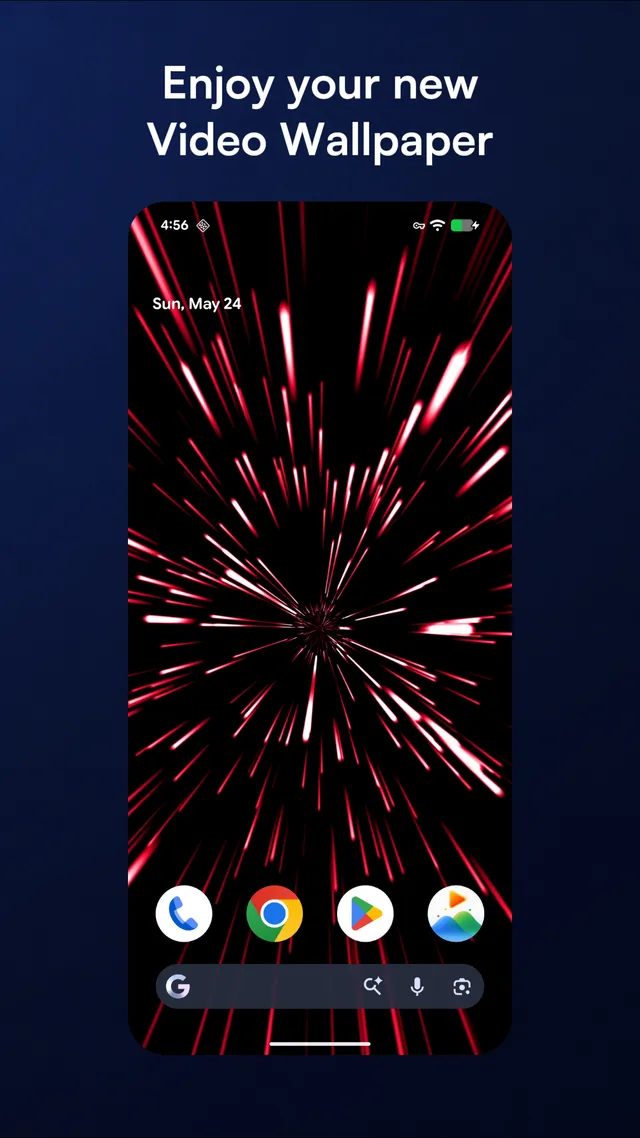
Three steps to make it yours.
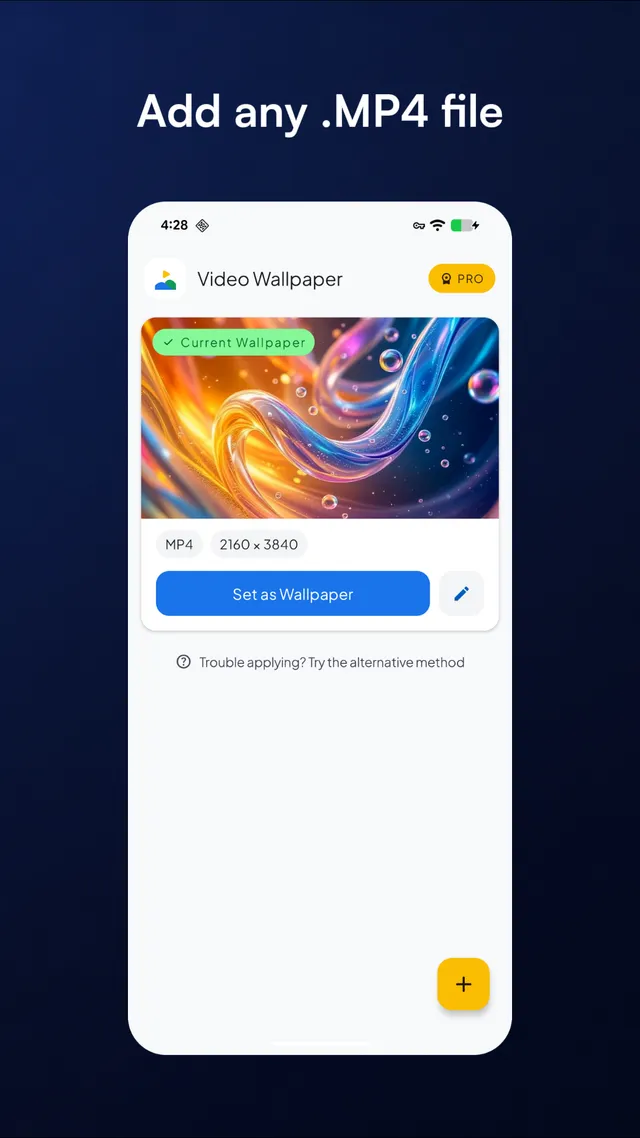
Choose a video
Use the add control to select your own video through Android’s file picker.
Find your framing
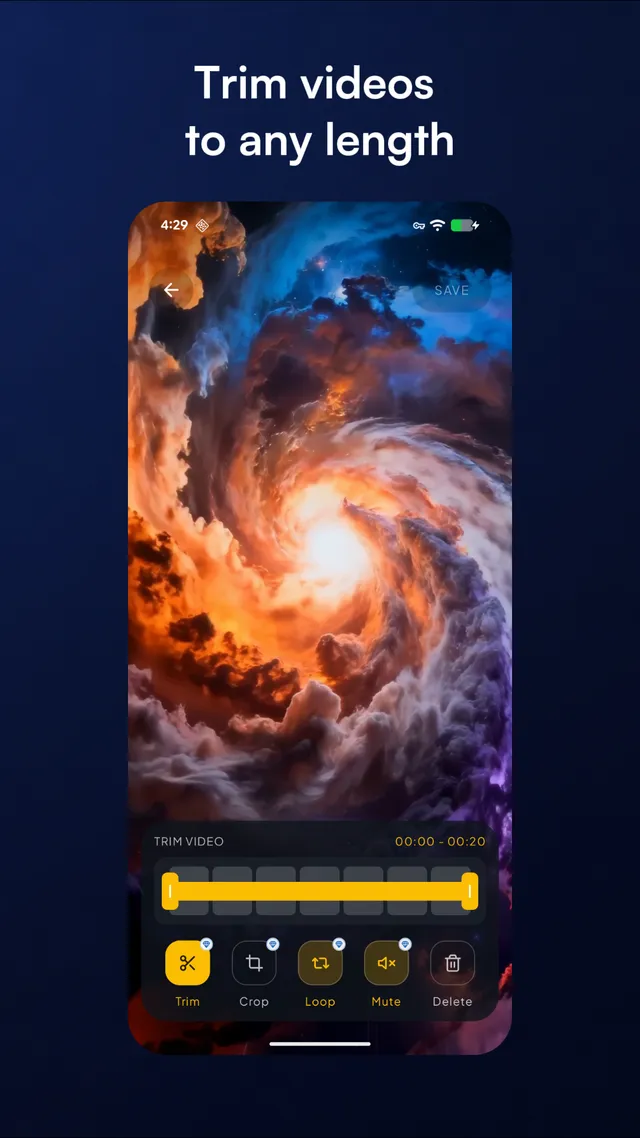
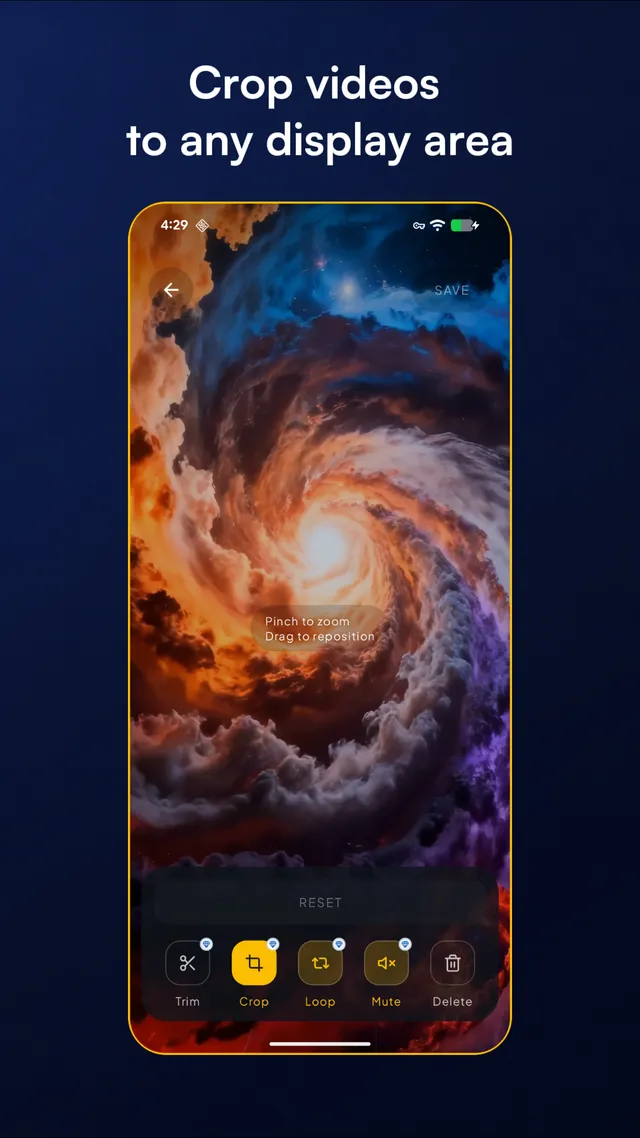
Preview the video. Use the available editing controls to trim, crop, zoom and reposition it.
Set your wallpaper
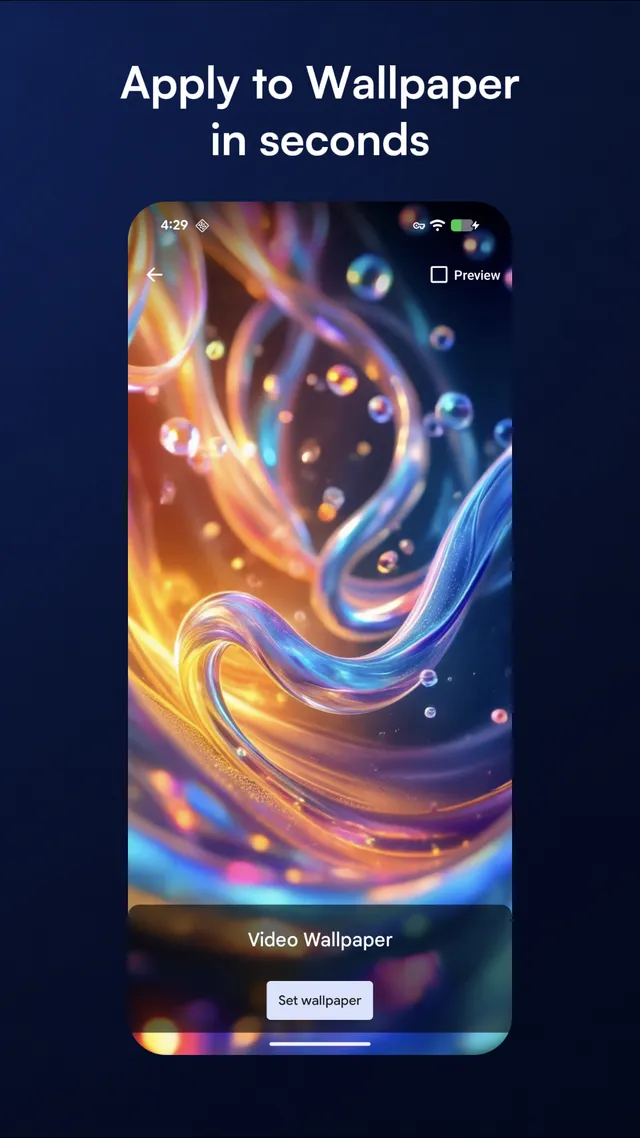
Tap Set as Wallpaper, then confirm your choice in the Android wallpaper preview.
About home and lock screens
Wallpaper is applied through Android’s live wallpaper system. The available destinations, including lock screen support, depend on your phone model and Android version.
See compatibility help →Ready for a change of scene?
Make your next wallpaper a little more personal.
Need help getting started? →